 mira
“Not yet …”
Anyone who has added a new device to Home Assistant knows the routine: the maker’s app, type in the Wi-Fi password, find the integration in Home Assistant, assign the device to a room, rename it – and in the end the switch is still called something with “plug” and a number. That’s exactly what I was talking about with a friend recently:
“This should all be a lot simpler,” he said. “Can’t your Mira do that?” And me: “Not yet …”
That “yet” stuck with me. So I sat down and taught Mira a new skill: adding devices. This time a text file alone wasn’t enough. The task is more complex than a bin calendar, and Mira needed a few new tools for it.
The best part first: the QR code in front of the camera
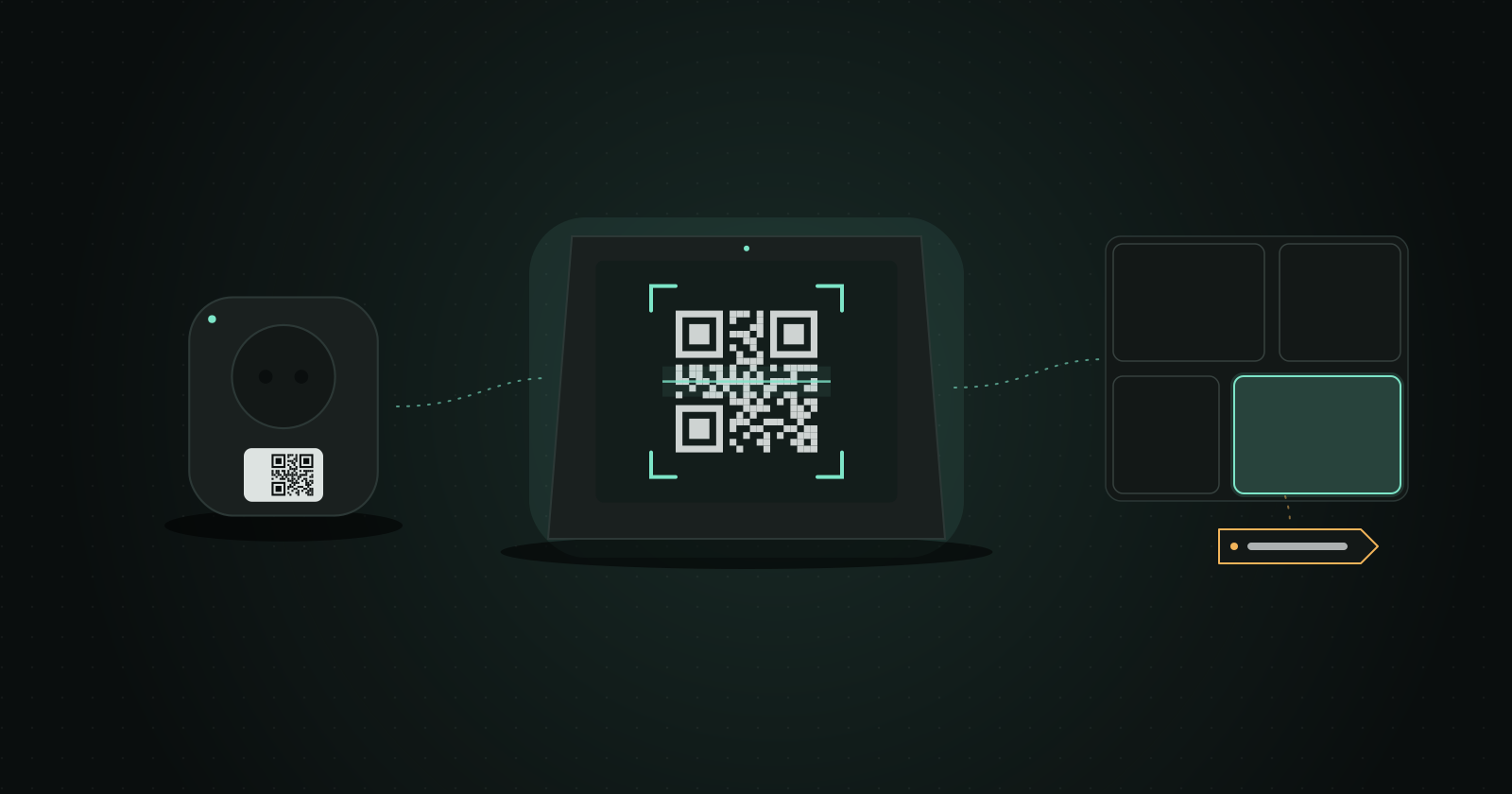
Matter devices have a QR code, on the device or on a sticker in the box. Usually you scan it with your phone in some app. At my place it now goes like this:
That’s all. No phone, no app, no menu. What it looks like for real is shown in the Matter video on YouTube.
For the scanning I had to touch the Echos’ firmware: TECHO5 can now use the Show’s camera as a QR scanner. The pull request is still open, but I expect it to be in the next release of TECHO5.
And without a screen?
That works too. An Echo Dot has no camera, so Mira asks you to read out the eleven digits printed next to every Matter QR code. It’s a little more work than holding something up, but still much faster than any app. By the way, Mira never says the code out loud herself.
Not just Matter
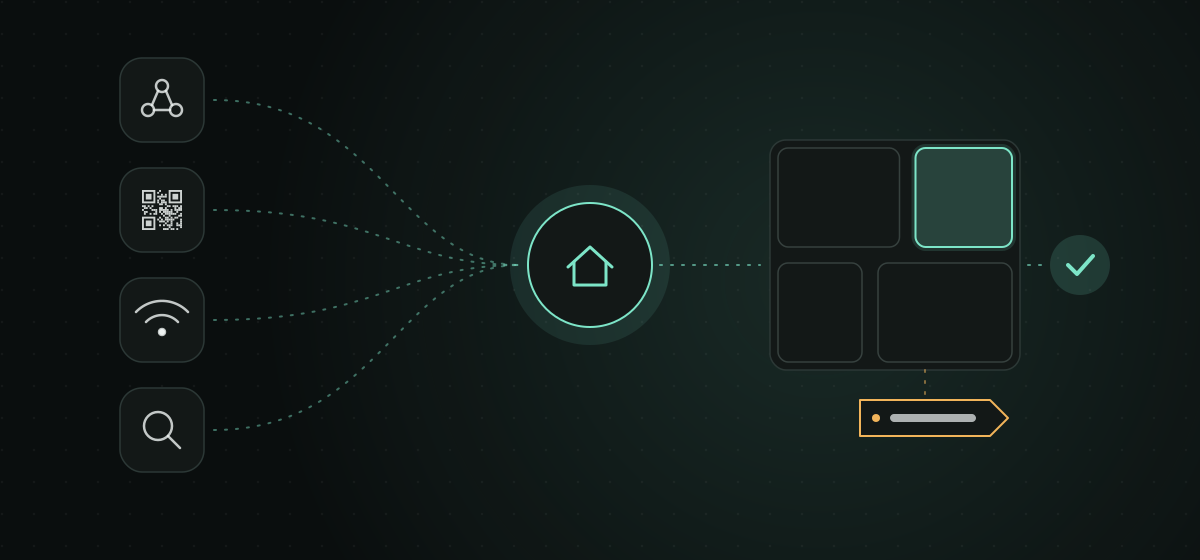
Matter is the nicest example, but far from the only one. New devices come into the house in different ways, and Mira now knows the most important ones:
- Matter: scan or read out the code, plug the device in. Mira gives the device the Wi-Fi and adds it.
- Shelly, Tasmota, ESPHome, WLED: in setup mode these devices open a small Wi-Fi of their own. Usually you connect your phone to it and type in your Wi-Fi password. Now Mira does that – with the Wi-Fi of the machine she runs on. “I’ve got a new Shelly” is enough.
- Zigbee: “I’ve got a new Zigbee device” – Mira starts pairing, I press the button on the device, and she speaks up as soon as she sees it.
- Everything Home Assistant finds by itself: Bluetooth sensors via the ESPHome proxies, a lamp from the maker’s app, a bridge on the network. Mira notices the new device and asks once: “I’ve found a new device … Shall I add it?”
Room, name, done
Whichever way a device comes in, afterwards it’s always the same: Mira asks for the room, suggests a name and then does everything you would otherwise do by hand in Home Assistant.
- 01RoomThe device goes into the room I name – the way I name it.
- 02NameMira suggests a short name (“Plug Office”) and takes mine if I prefer another.
- 03ReadyEverything is renamed, the entities behind it too, and exposed to voice control. From now on I can switch it.
The renaming is exactly the part I used to hate most. “light.tasmota” now becomes “light.lampe_wohnzimmer” all by itself. Anyone who has built automations and then searched for the right one among twenty cryptic entities knows what that’s worth.
“You no longer need to know how Home Assistant wants a device set up. You just say where it is.”
And if the device it found isn’t mine at all? “No, that’s the neighbours’.” Then Mira ignores it and never asks about it again. How adding devices works overall, from the Shelly to a found device, is shown in the second video.
Why tools were needed this time
Most of Mira’s skills are plain text files, as I described in the article about skills. For adding devices that isn’t enough: Mira has to start Zigbee pairing, check a Matter code, connect to a Shelly’s Wi-Fi, wait for a device and then rename it in Home Assistant. There are now dedicated tools in the core for that. The skill itself is still a text file: it tells Mira when to use which tool and how the conversation goes.
Zigbee, the Wi-Fi devices and adding found devices have been in Mira since 0.21, Matter since 0.22. Scanning the QR code also needs the new TECHO5 firmware on the Echo Show; without it you read out the eleven digits. Mira is open source.
Bottom line: now it can
The “not yet” has become a “now it can”: QR code in front of the Echo Show, “the living room”, “yes” – done. Let’s see what my friend asks next. I already have a few ideas …