 mira
I just want to listen to music
Music was actually what I used Alexa for most. It was just never simple. Radio came via TuneIn one day, from a broadcaster’s app the next, and lately from ARD Sounds – a different route every time, and often an ad before the station even started. All I wanted was to listen to music.
Paid services, on the other hand, always worked: Amazon Music of course, Deezer too. Just my own music, sitting on the NAS? No chance.
The album from the NAS – mostly
Eventually it did work, after a lot of fiddling: through the music app on my Synology NAS. With sentences nobody would ever say voluntarily, though:
And even when it played, it was only on the Echo. Right next to it stood the big Onkyo receiver, which could also play the music from the NAS – just not with Alexa. Two devices, one music collection and no way between them. Argh.
“I never wanted to operate a skill. I wanted to listen to music.”
Music Assistant: set it up once, everything’s there
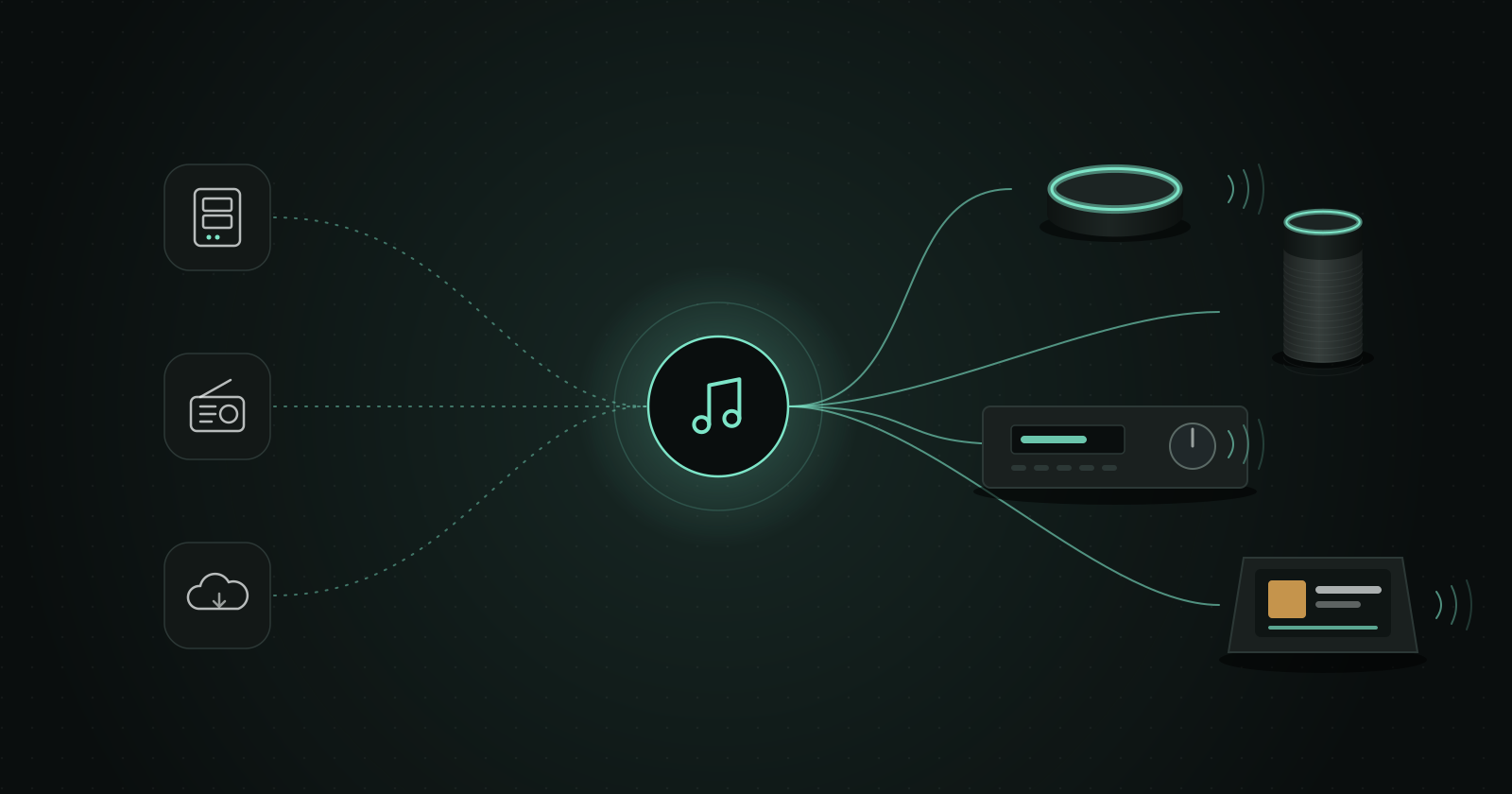
Today I run Music Assistant, the music server from the Home Assistant world. Set it up once, and every source is added with a click:
- Your own music from the NAS, without detouring through a vendor app.
- Streaming services like Deezer or YouTube Music.
- Radio through the Radio Browser, with every station – the station’s own stream, with no platform’s ads in front of it.
- Every speaker Music Assistant finds on its own. The Onkyo too.
- 01Every sourceNAS, Deezer, YouTube Music and every radio station
- 02Music AssistantGathers everything in one place and hands it out
- 03Every speakerEcho, Onkyo, stereo pair – by voice through MIRA
And the best part: every one of these speakers can be controlled by voice. Just like that. MIRA didn’t even have to learn anything new. Music Assistant registers its players with Home Assistant, and that makes them part of MIRA’s toolbox.
No magic formula, no “tell Music Station”, no follow-up asking whether I really mean the album I just named. And in the living room it now plays where it belongs: on the Onkyo.
Multi-room, in sync – and as a stereo pair
It gets even better. Every Echo running TECHO5 is a Sendspin player. Sendspin is the protocol Music Assistant uses to play to several speakers at exactly the same time. So music plays in sync across the whole house, without an echo between rooms.
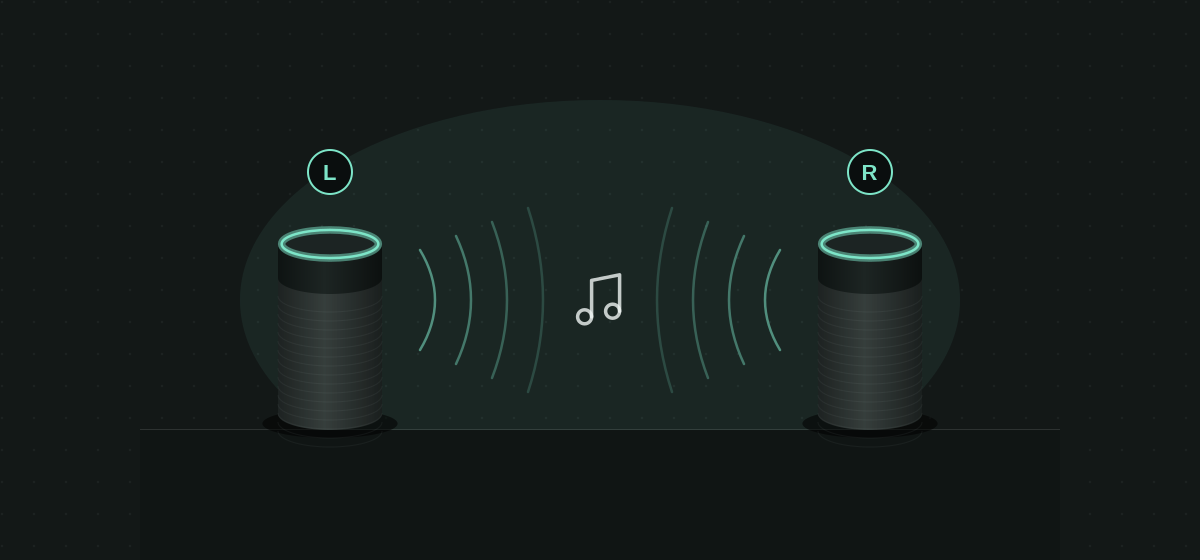
And two 2nd-generation Echos, which sound surprisingly good for their size, form a stereo pair in my house whenever I want. Left, right, done. It just works.
Bottom line: why not six years ago?
Your own music, radio without detours, every speaker in the house, in sync and by voice – really the most obvious thing in the world. With Alexa there was always a reason why it just didn’t work. With Home Assistant, Music Assistant and Echos running TECHO5, it simply does.
Incredible that it wasn’t like this six years ago.