 mira
The little light on the sideboard
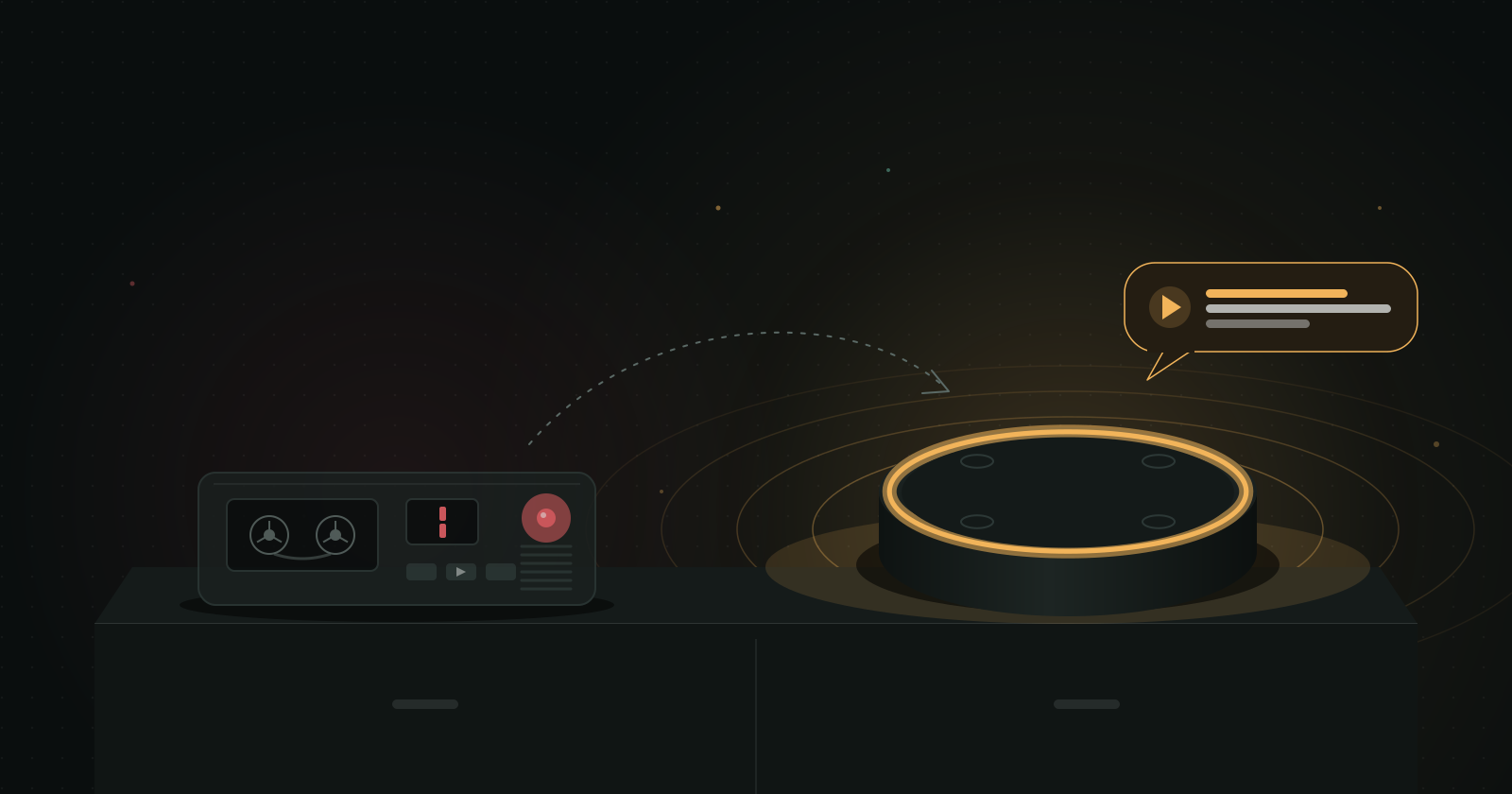
Remember? You came home, dropped the keys in the bowl, and then glanced at the sideboard: is it blinking? The answering machine with its little red light was the notification system of a whole generation. One button, and the message played. It never got simpler than that.
Today the answering machine lives inside the FRITZ!Box. Handy – but invisible. To find out whether anyone called, you open an app, click through menus or wait for an email with an attachment. The feeling from back then got lost somewhere along the way.
The light is back – on the Echo
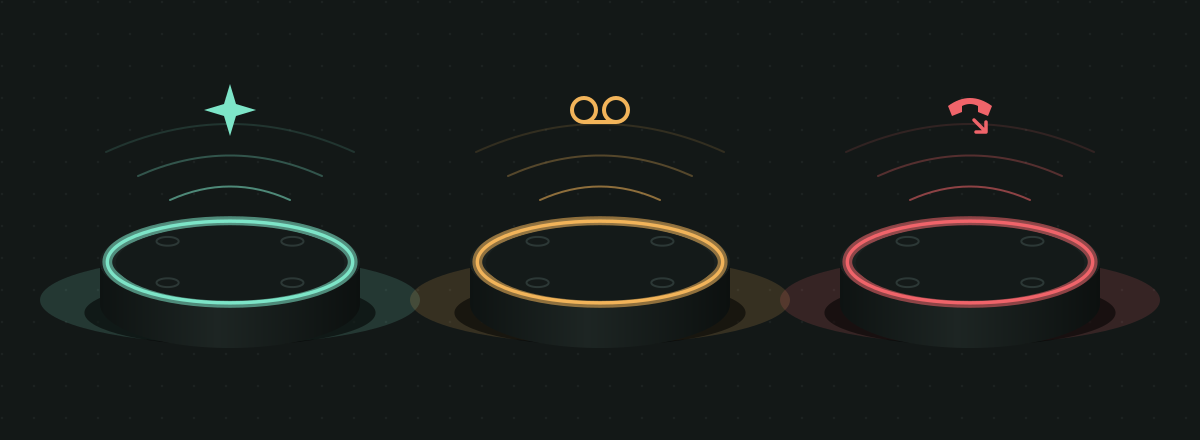
With MIRA it is back. The light ring on the Echo glows amber when a new message is waiting on the answering machine, and red for a missed call. You walk in, see the light and simply ask:
The message plays on the speaker you asked. Afterwards it counts as heard, and the light goes out. Just like back then – except you no longer have to look for a button.
Next, again, gone
It gets really pleasant with several messages. “Play them all” – and MIRA plays one after another, newest first. Before each one the Echo briefly says who it is from. Want to change something halfway through? Just say the wake word. The message gets quieter, and you say what you want:
- “Next” or “Skip that one” – the next message. The skipped one stays new, in case you want to hear it later after all.
- “Again” – for the phone number that went by too fast the first time.
- “Delete it” – gone, and it carries straight on with the next one.
- “That’s enough” – done for today. Whatever you haven’t heard stays new.
And of course you can be specific: “Play the message from Grandma” or simply “Who called?”. MIRA knows who it was, how often, and whether they left a message.
The best part: just call back
This is where the answering machine becomes more than a nostalgia trick. An Echo Show or Echo with TECHO5 can register with the FRITZ!Box as an IP phone and turns into a speakerphone. Microphones that hear you across the whole room and a speaker built for exactly that: phone calls while cooking, without your phone ending up in the flour.
The names come from the FRITZ!Box phone book – the same place your DECT phones look. “Call Grandma” finds “Grandma Erika”, “Call Ben on his mobile” picks the mobile number, and if several match, MIRA asks briefly. “Call the kitchen” even connects two Echos in the house, no phone line needed.
“Keeping one phone book is plenty. The FRITZ!Box already has it.”
The contacts stay in the FRITZ!Box; none of them end up on the devices. And a call is only placed when you say so at the device – never from an automation and never via Telegram. An assistant that makes phone calls on its own would be a little too much initiative for my taste.
Why MIRA brings her own integration
When I set out to build this, I first looked around. Out of the box, Home Assistant can dial through the FRITZ!Box and show whether the line is ringing. Two integrations from the Marketplace each covered half of the rest: one the events and missed calls, the other the recordings. All of it together? Didn’t exist.
So MIRA brings her own: Mira FRITZ!Box. It brings the phone book, the answering machine and the call list into Home Assistant:
- Sensors and events for new messages and missed calls – for dashboards, automations and the voice satellite.
- Every message on every speaker – an Echo, a Sonos or the media player in your browser.
- Actions to list, mark as heard, delete, and read the phone book.
- Sparing with data – no phone numbers in states and attributes, so they don’t end up in the history or on every dashboard.
- 01FRITZ!BoxAnswering machine, call list and phone book
- 02Mira FRITZ!BoxBrings it all into Home Assistant as sensors and actions
- 03MIRA on the EchoListen, skip, delete, call back – by voice
The nice part: Mira FRITZ!Box also works without MIRA. If all you want is a tile with new messages on your dashboard, or a push notification on your phone for a missed call, you can have that. It only gets really good with MIRA, though.
Set up in a few minutes
Install Mira FRITZ!Box from the Marketplace, add it under Settings → Devices & services, and enter the user name and password of a dedicated FRITZ!Box user – the form tells you which two boxes to tick. Then switch on the skills “anrufbeantworter” and “telefon” in MIRA. For phone calls, also register the Echo with the FRITZ!Box as an IP phone; how that works is described at TECHO5.
FRITZ!Box is a trademark of AVM GmbH. Mira FRITZ!Box is an independent project and not a product of AVM.